timr Features

Working time tracking

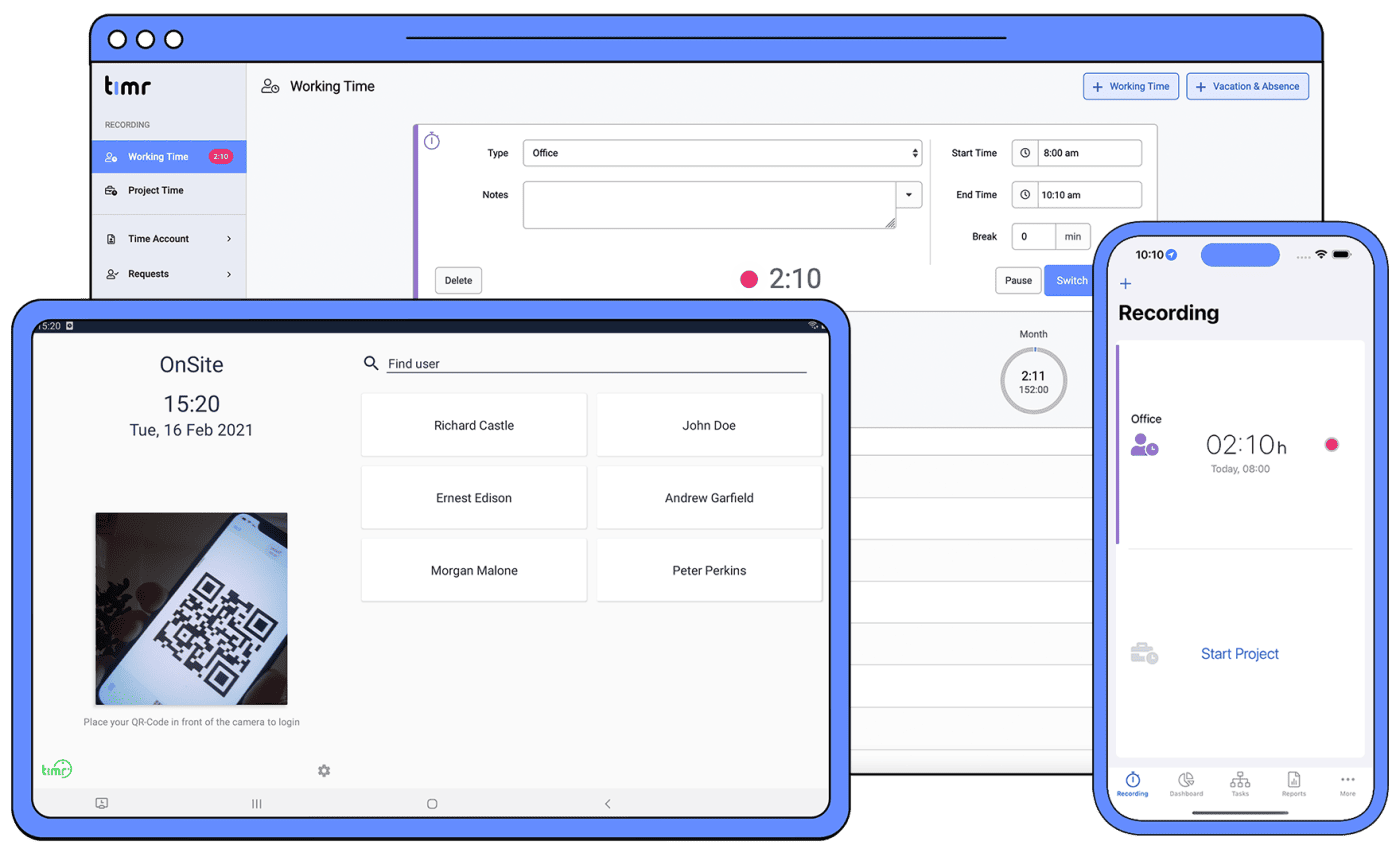
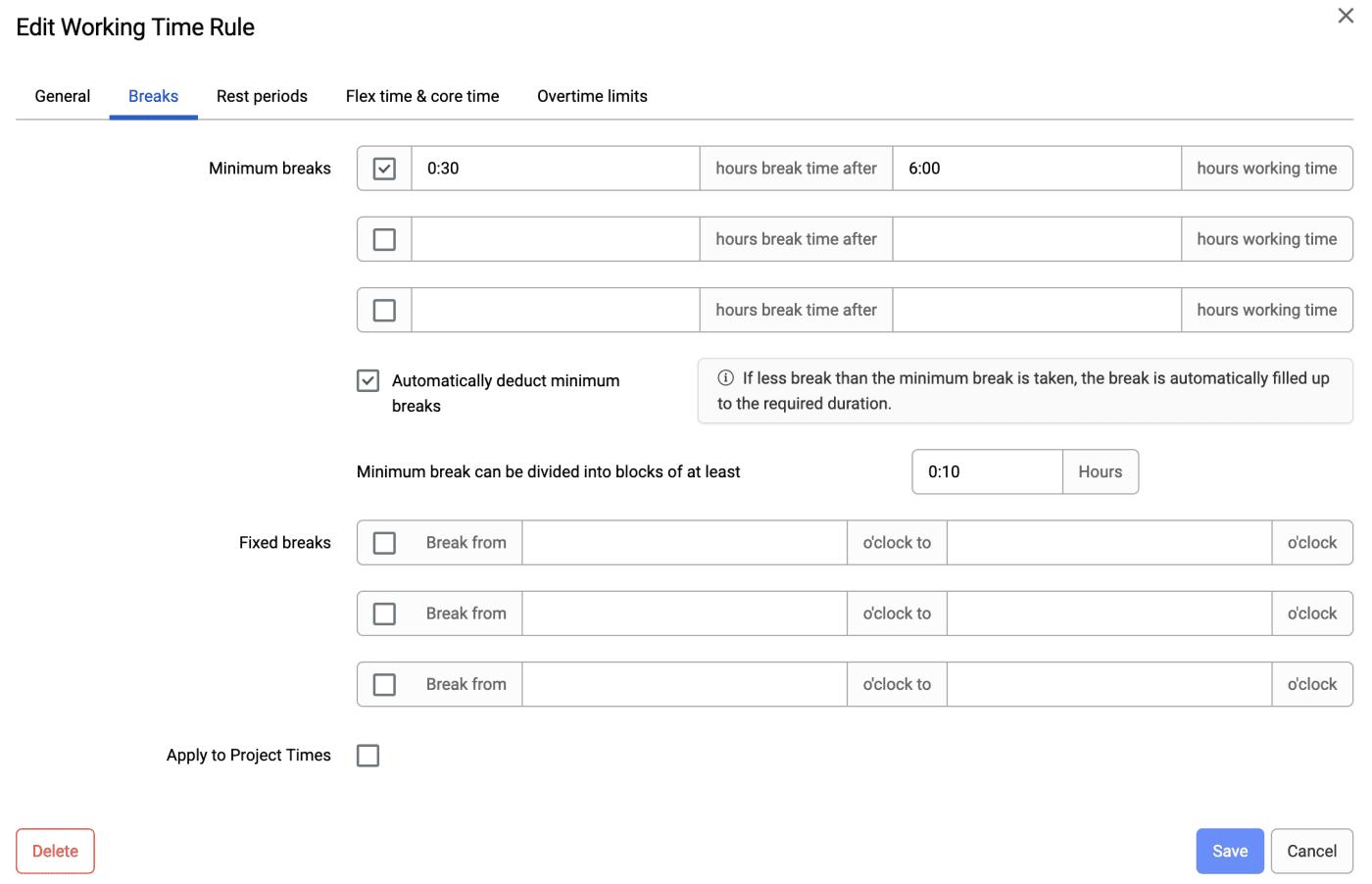
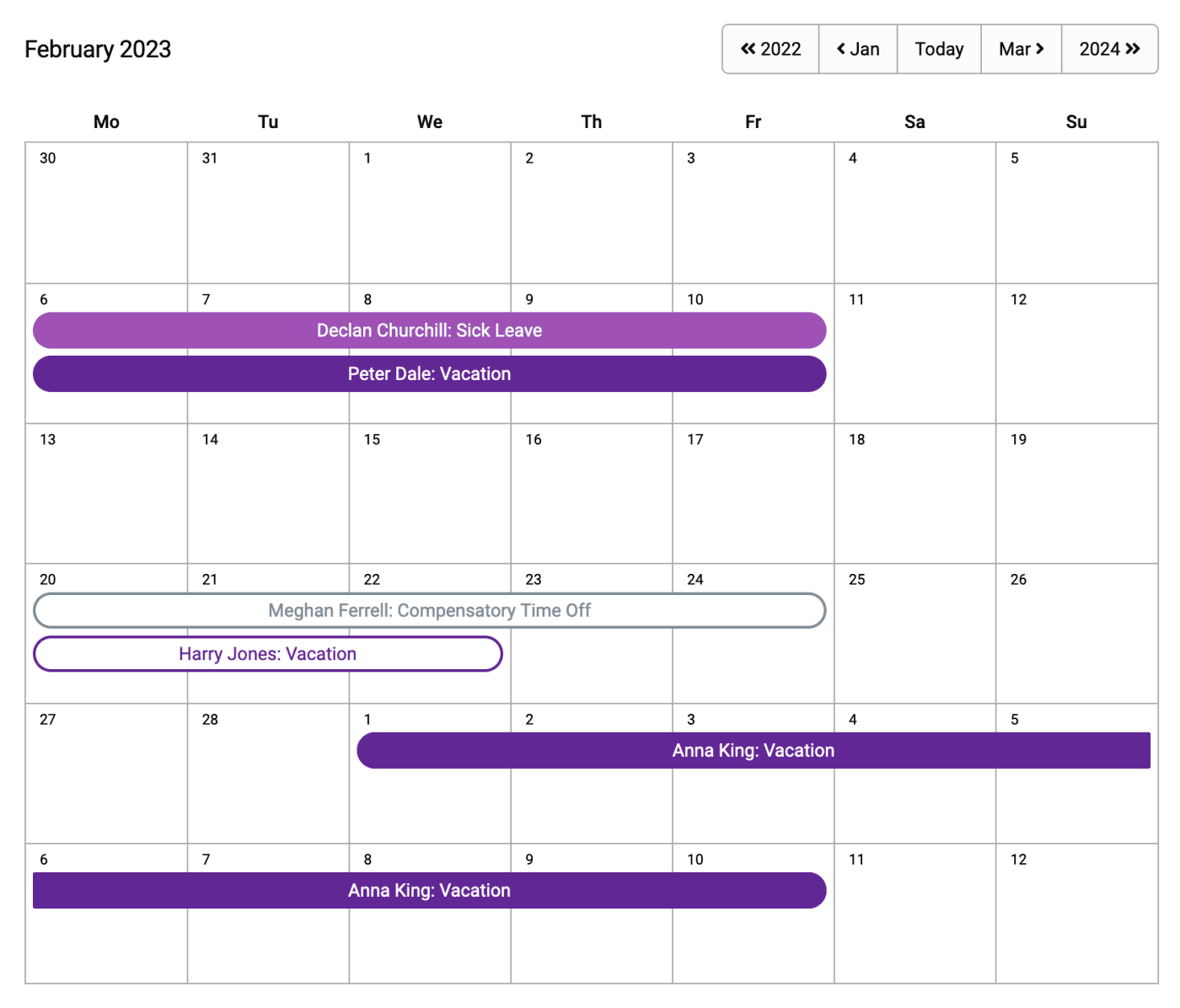
timr makes a distinction between working time and project time. This separation provides many advantages but you don’t have to use that separation. Due to the separated tracking of your working times, you always see the total working time at a glance. timr supports a preset of your weekly hours of work, holiday calendar and different working time types like office time, business trip, compensatory time off, et cetera. Based on the separated working time tracking, you have more freedom to track your project times because you don’t have to track internal tasks just in order to be able to see your total working time.
Working Time Report Working time tracking

Project time tracking

With timr, you track the time that you are working on a certain task. timr won’t constrain you in your function or in the structure of your tasks, but enables you to adjust the system completely to your individual company. So, it is possible to structure your tasks towards customers, projects, subprojects or work packages, et cetera. The timr solution offers you the flexibility to facilitate structuring projects or tasks according to your company’s specific needs. timr’s technology enables a seamless integration with your company’s agenda. You are always in complete control. And because your tasks structure most likely will change sometimes, timr enables you to continuously adapt your structure and keep it up to date. So, it is possible to move existing tasks or merge them with other tasks. You can manage and assign tasks efficiently to your employees. Completed tasks will be closed so that they won’t bother you anymore during tracking the current tasks. Time recordings can also be marked as billed as soon as the effort had been cleared with the customer.
Project time tracking

Drive log

With timr you track your drive log. By using the mobile clients, you always keep control over your driven miles. The ongoing statistics provides you with the amount of driven miles that you will have to expect for the whole year and you see your privately-driven miles at a glance.
Drive log

BlackBerry client

timr provides its own (native!) application for your BlackBerry. With it you can use the working time and project time tracking as well as the drive log on the go. timr always communicates live with the server, thus your times are always up to date without having to synchronize them. Your business trip is already entered when you return to your office the next time and as a project leader you keep track of your costs also if your employees are away quite often. Despite other systems, where you have to track your times on your mobile via a website, timr provides you with its own application for your BlackBerry. This has huge advantages i.e. a much faster start of the application, as well as much better usability. timr lets you track your times worldwide, regardless of the time zone that you’re in, even if you have to switch the time zones quite often during longer business trips! The BlackBerry application is available as OTA download. The link is provided with the registration mail.
BlackBerry client

iPhone, Windows Mobile and Android clients

timr provides its own (native!) application for your iPhone, Windows Mobile (available as Open Beta) and Android mobile (available as Open Beta)! With it you can also use the working time and project time tracking as well as the drive log on the go. timr always communicates live with the server, thus your times are always up to date without having to synchronize them. Your business trip is already entered when you return to your office the next time and as a project leader you keep track of your costs also if your employees are away quite often. Despite other systems, where you have to track your times on your mobile via a website, timr provides you with its own application for your mobile. This has huge advantages i.e. a much faster start of the application, as well as much better usability. timr lets you track your times worldwide, regardless of the time zone that you’re in, even if you have to switch the time zones quite often during longer business trips!
Android client iPhone client

Dashboards

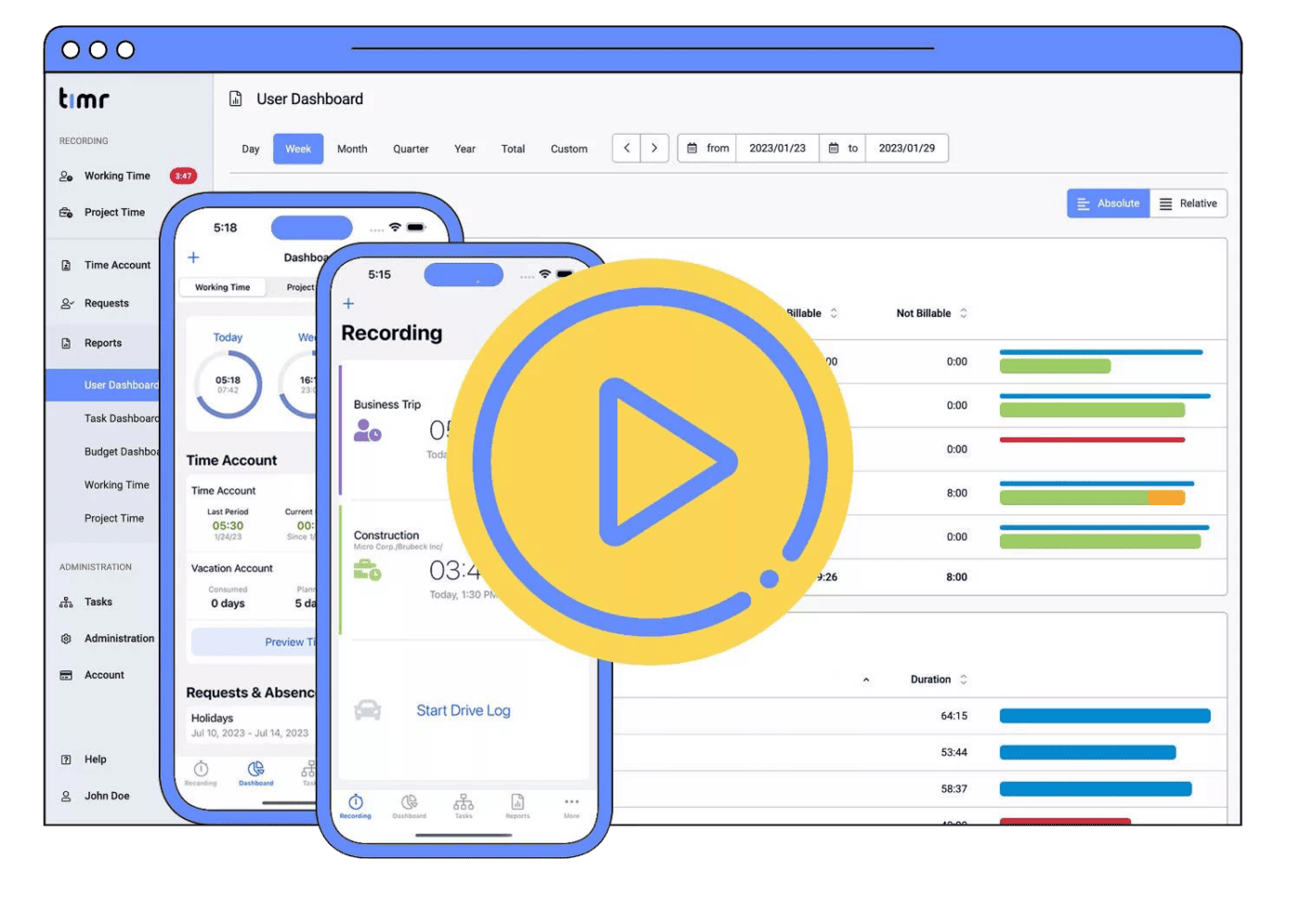
Because just tracking time is not enough, timr now gives you much more control on your times. The new dashboards enable you getting a much better overview on your working times, project times and the ongoing activities in your team.

Task Dashboard – your project times at a glance

Your Task Dashboard tells you how many hours you and your employees spent on which tasks and how many hours are billable to your clients.

User Dashboard – in touch with your team

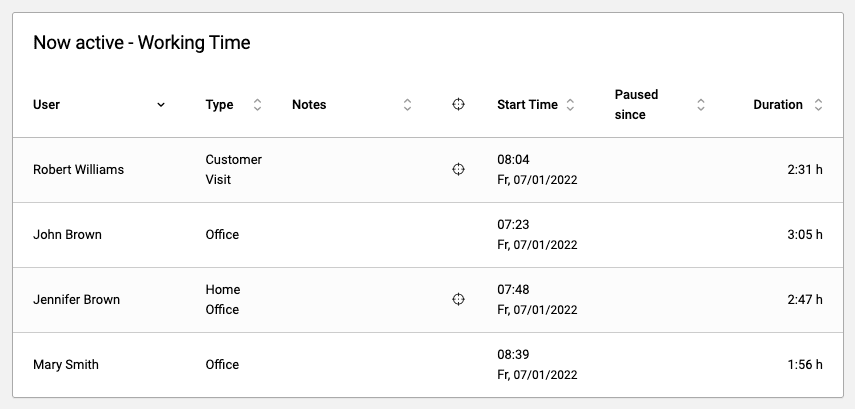
Your User Dashboard helps you keeping an eye on your team. It’s always good to know on what your employees currently spend their time, without having to ask each of them. The timr User Dashboard tells you exactly what your employees are currently working on, no matter if they are in the office, on the go or at their home office!
Task Dashboard User Dashboard

Reports

With the timr reportings and statistics, you always have your project efforts under control. timr’s instantaneous time tracking ensures your project efforts are always up to date. So it is always possible (e.g. at the client or in a short term project meeting) to make decisions based on valid information. Due to the timr approach: easy, instantaneous and ubiquitous, the information your reports are based on is always perfectly cultivated and gives you cost transparency.
Working Time Report Reports

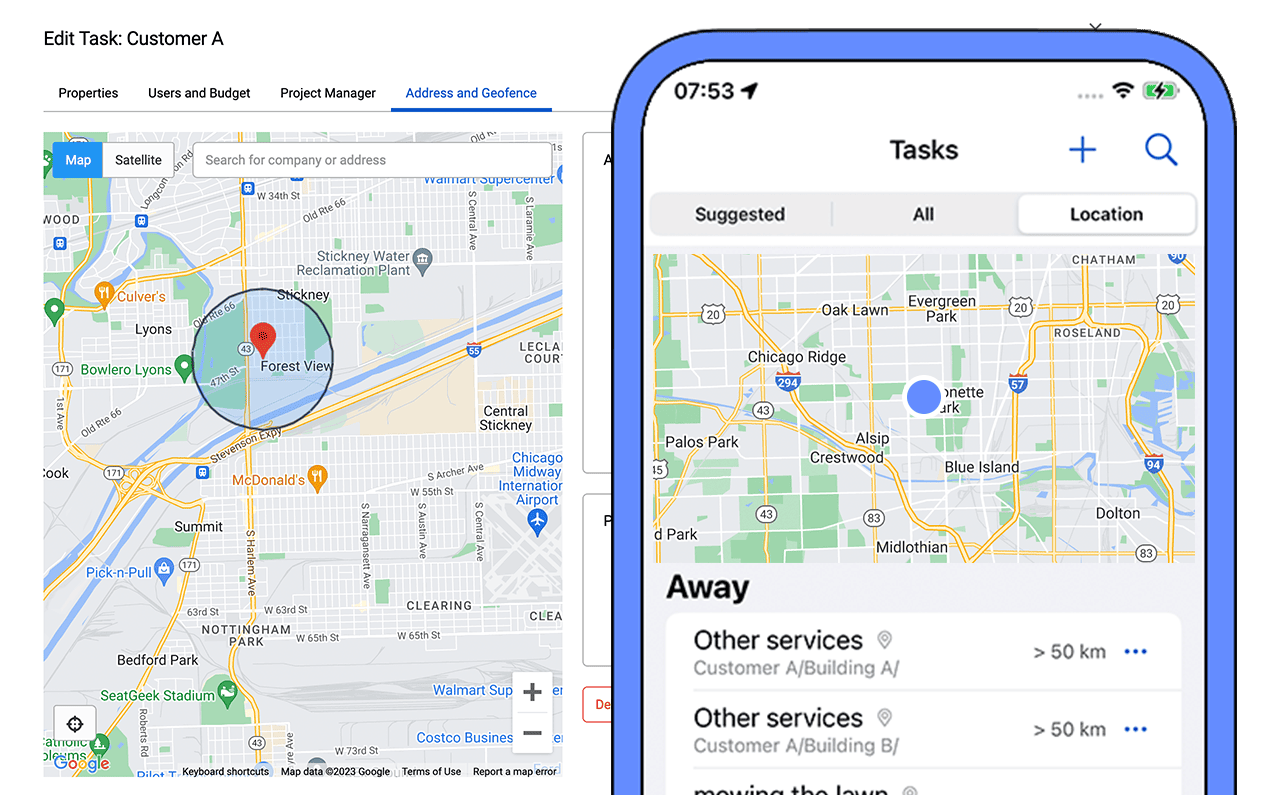
Position tracking

By using timr on your mobile it is possible to track the position of your employees (with their consent). For short term requests you can simply send the employee that is nearest to the client, dispositioning will become much easier.
Position tracking

API

The new timr Webservice API (beta) enables to integrate timr in existing company-infrastructures. Tasks and task-assignments can be set automatically. Created time entries can be assumed by timr.

Rent or Buy

timr is available for you in 2 different versions: Professional and Enterprise. timr Professional can be rent-based on a monthly payment. With this, you save costs for hosting your own servers and count on our highly available, scalable solution including automated backups. If you prefer to run timr within your own infrastructure you can choose the timr Enterprise version. By buying timr Enterprise we are happy to advise you about the possibilities to seamless integrate timr in your existing infrastructure. timr can be combined or customized in order to work with your existing working time tracking system, ERP or project management tools. Our support team is always looking forward answering your detailed questions.