Online Employee Time Clock
Save time & money in your HR
- Digital Timesheet
- Employee Time Clock with GPS
- Attendance & PTO Tracking
- Available on every device
- Comply with Labor Laws
More than 3000 companies trust timr everyday





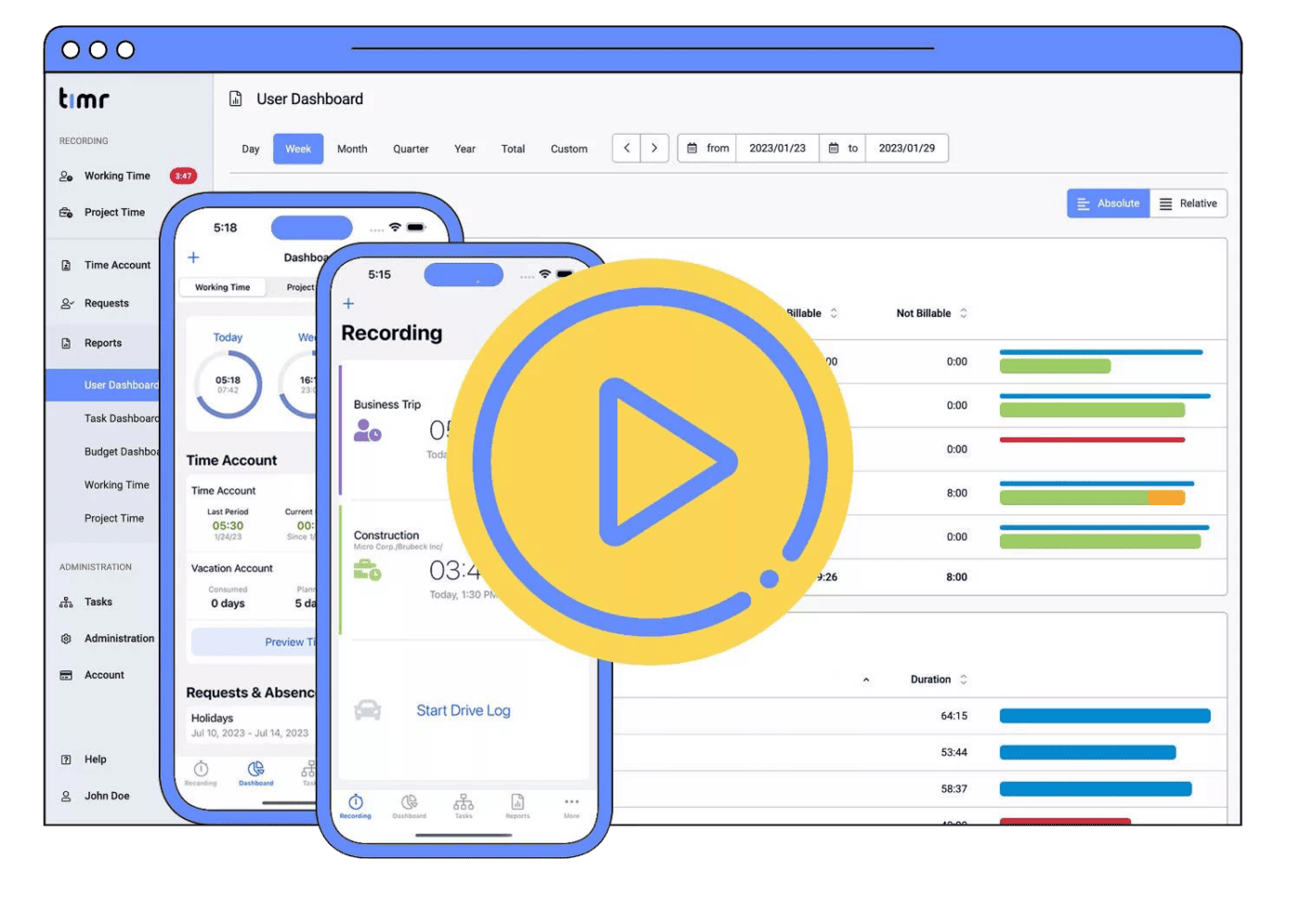
See how easy it is to use the timr Employee Time Clock

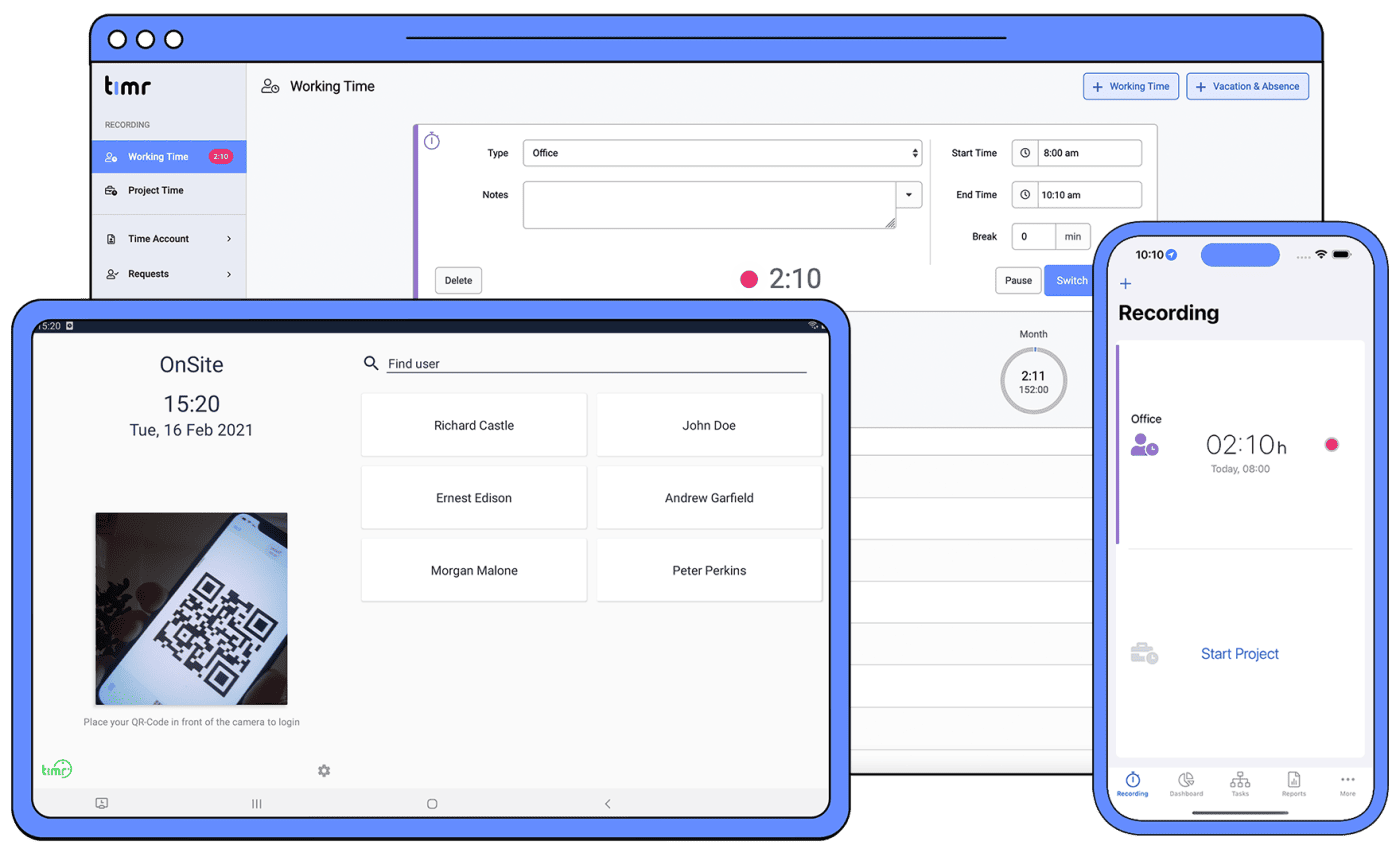
Employee Time Clock on every device
Online Time Clock
For employees working in the office, the online Time Clock is the perfect solution. Use the Web App to easily clock in and out and manage all features.
Time Clock App
For field work employees, the Employee Time Clock App is the right solution to clock in and out. Features like Geofence, Offline and Automatic Synchronisation help you manage your workers remotely.
Time Clock Kiosk
Mobile crews can use the Android Time Clock Kiosk App for attendance and time tracking on the go. Perfect for teams on the construction site, warehouse or production.

Complete Online Attendance Tracking
Attendance tracking
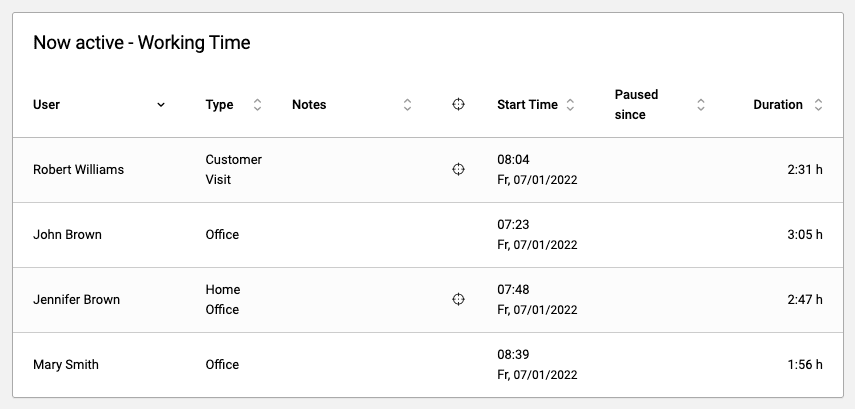
See in real time which of your employees is active, since when they are at work and on what they are currently working on.
Break Management
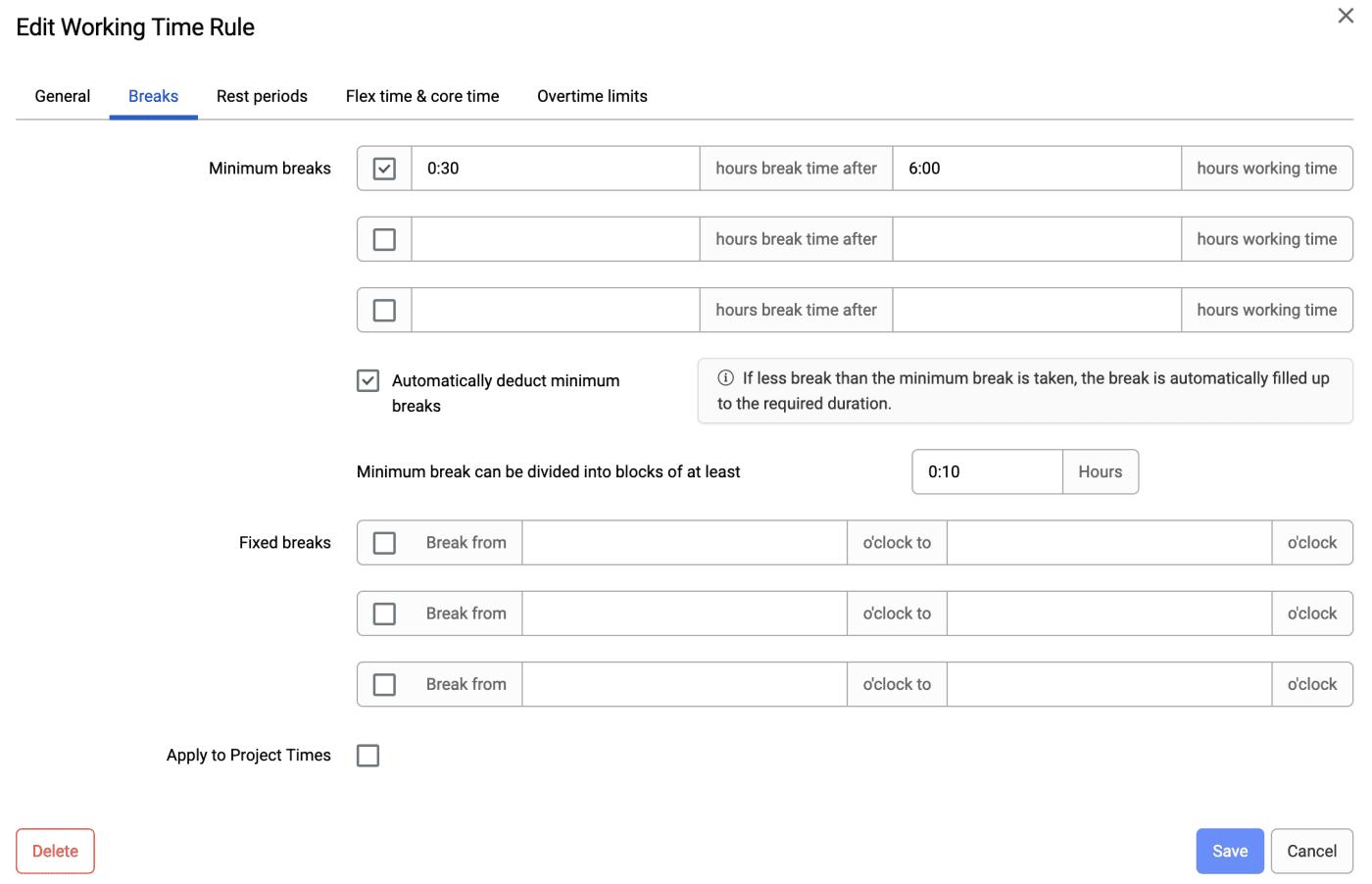
Configure and manage paid and unpaid breaks. timr offers you a ton of options to create the settings that fit your company.
Paid Time Off (PTO) Tracking
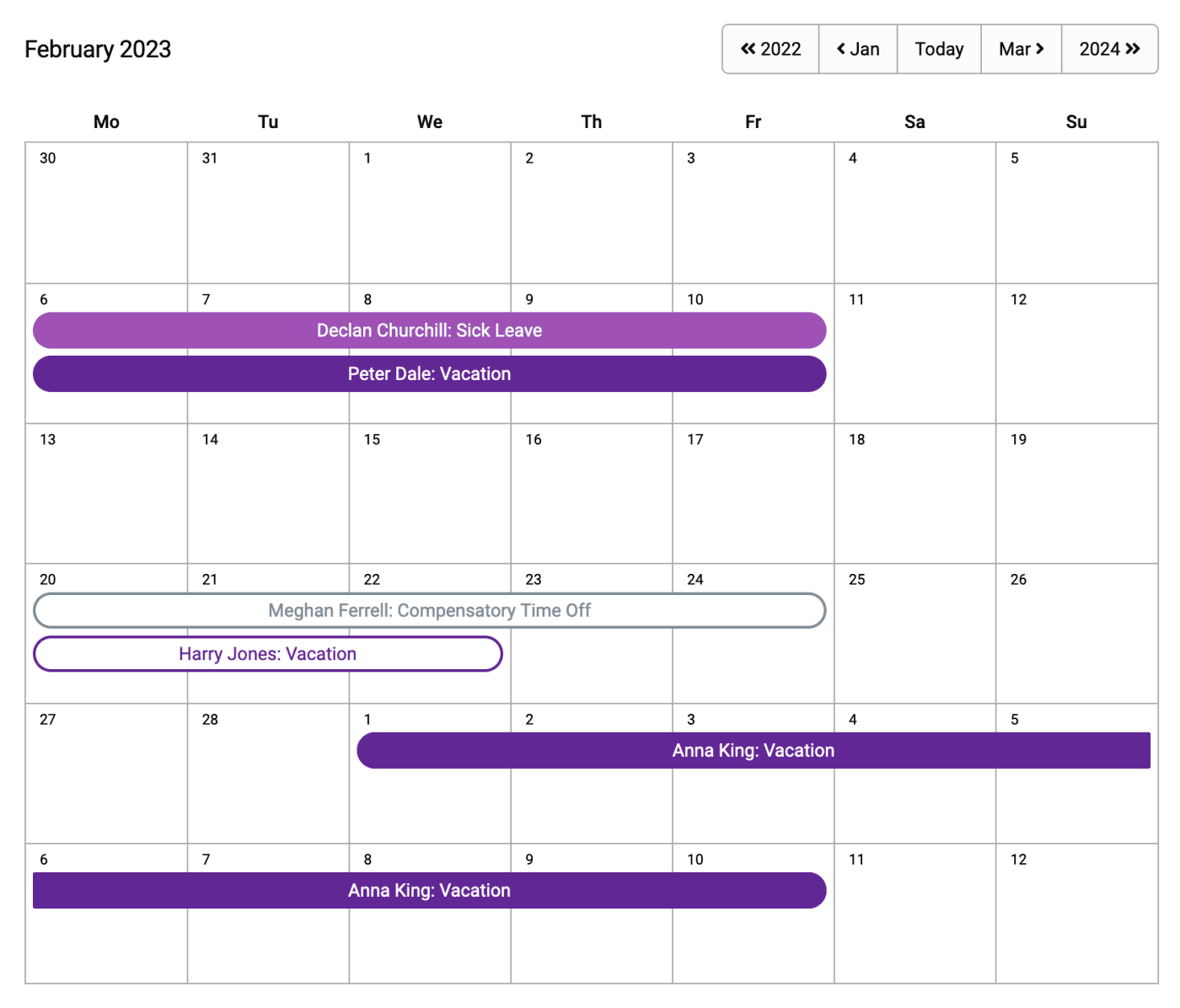
Manage your employees Paid Time Off with timr. From request to approval/denial we will keep you updated with Email notifications. A Calendar makes it easy for you to see who is currently absent.
Our customers speak for us
I like time tracking more now than ever before, we have less work, but more output and super statistics.

We save 80% of the time we used for time tracking and calculation.

We implemented timr about three years ago as an Employee time clock and time tracking system and are very happy with it.


Employee Time Clock with Geofencing (GPS)
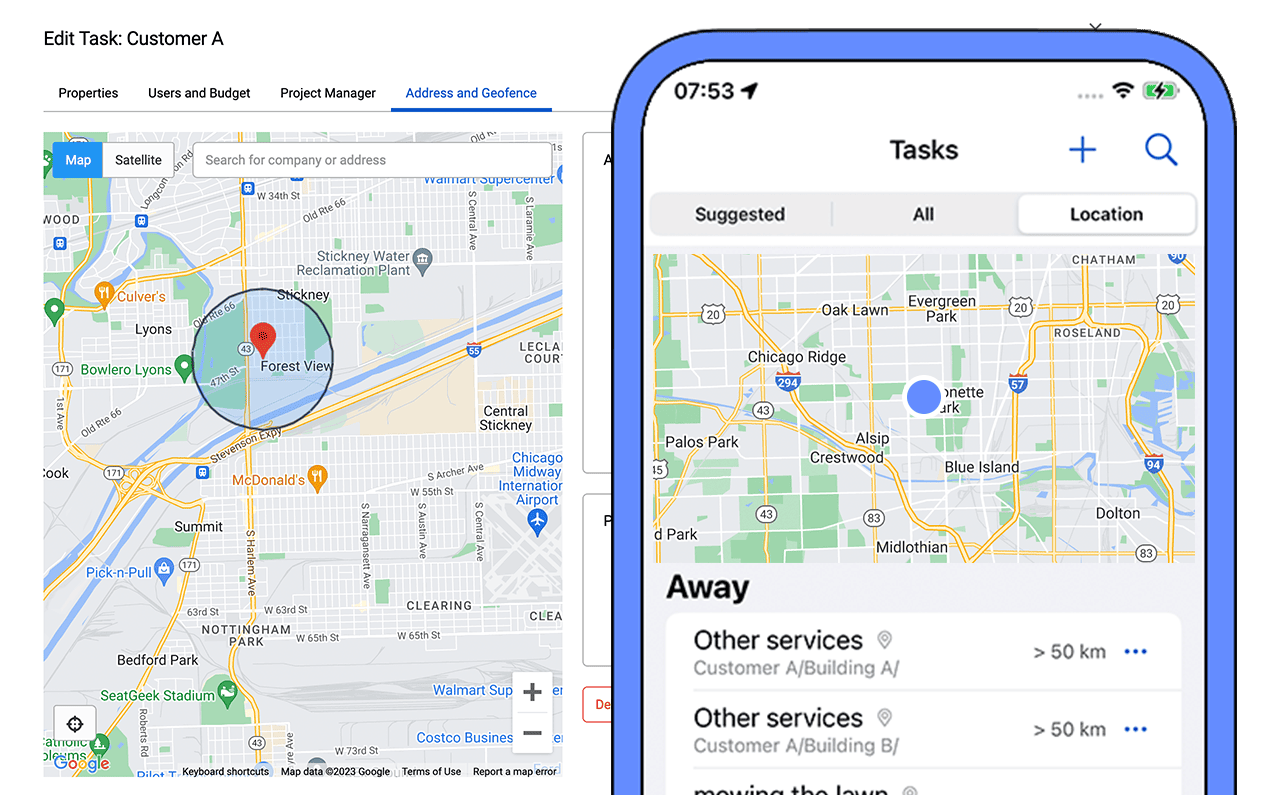
Make sure your employees working from home, remotely or on the field are where they are supposed to be by recording their GPS location when Clocking In & Out.
You can also set a Geofence for a location to make sure your team can record their work at specific locations.
Use this information as a proof of work for your customers and avoid any misunderstanding.
More benefits of the Employee Time Clock Software

Public holiday calendar
Easily create a Public holiday calendar or create company specific Off Days. All holidays will appear automatically in your calendar for an easy overview.

Comply with Labor laws
Create custom working rules to comply with overtime and break laws in different states & countries.

Automatic monitoring
timr checks automatically that all Time Clock rules are kept in place. You don´t have to verify all your employees’ timesheets manually anymore. If something is wrong, we will let you know.

Digital Timesheet
Create digital timesheets for your employees for an easier calculation of the payroll. Regular work, overtime and PTO registrations are automatically calculated.

Export Reports
Comprehensive reports of your employees working hours are available anytime. All data can be exported as PDF, CSV or Excel.

Employee Self-Service
Employees can access their timesheets & PTO accounts themselves, any time and on every device. Your team doesn´t have to ask you about their timesheets anymore.